Sparkly MeMaw LLC
Custom UV DTF Prints (hard, smooth surfaces only)
Custom UV DTF Prints (hard, smooth surfaces only)
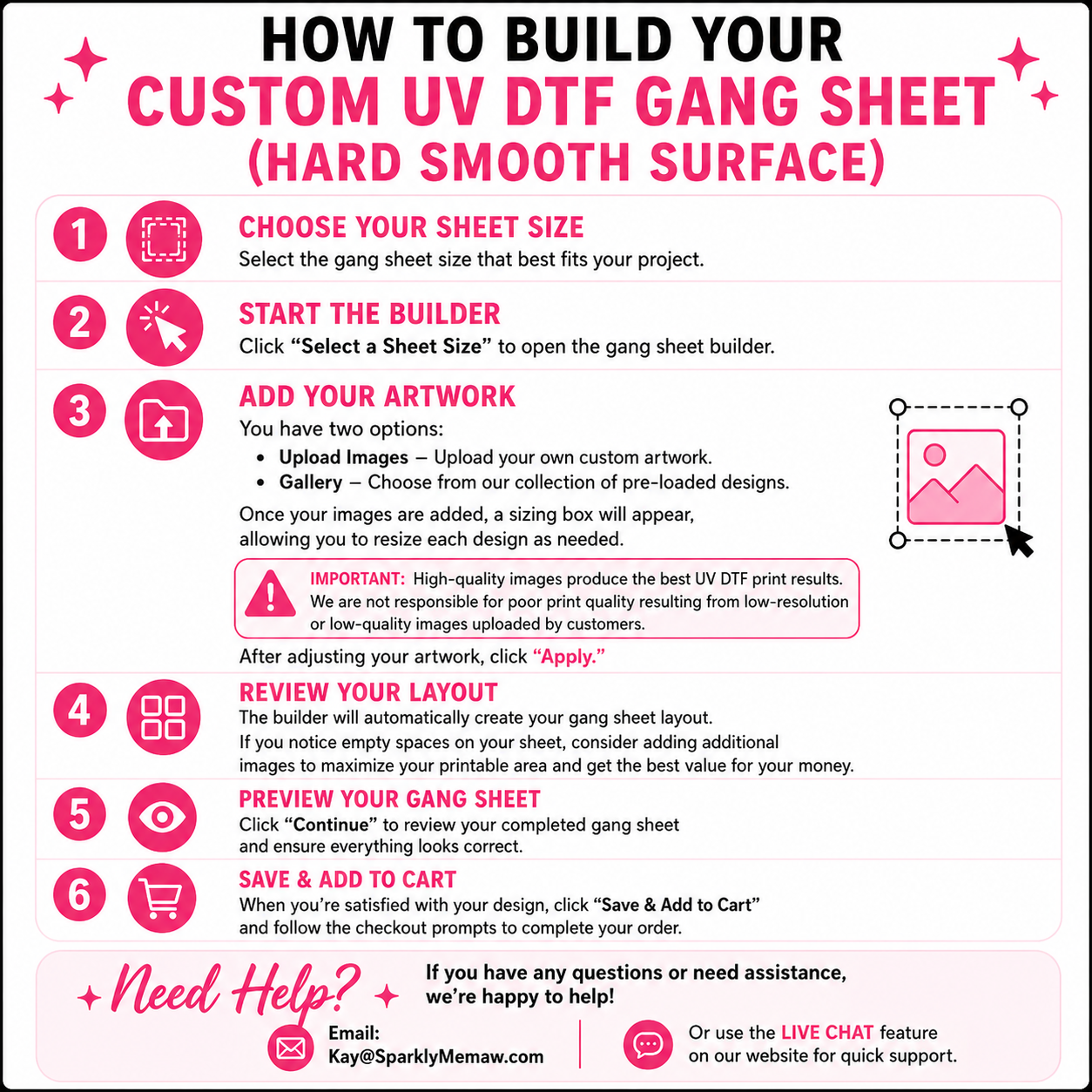
How to Build Your Custom DTF Gang Sheet
Step 1: Choose Your Sheet Size
Select the gang sheet size that best fits your project.
Step 2: Start the Builder
Click "Select a Sheet Size" to open the gang sheet builder.
Step 3: Add Your Artwork
You have two options:
-
Upload Images – Upload your own custom artwork.
-
Gallery – Choose from our collection of pre-loaded designs.
Once your images are added, a sizing box will appear, allowing you to resize each design as needed.
Important: High-quality images produce the best DTF print results. We are not responsible for poor print quality resulting from low-resolution or low-quality images uploaded by customers.
After adjusting your artwork, click "Apply."
Step 4: Review Your Layout
The builder will automatically create your gang sheet layout.
If you notice empty spaces on your sheet, consider adding additional images to maximize your printable area and get the best value for your money.
Step 5: Preview Your Gang Sheet
Click "Continue" to review your completed gang sheet and ensure everything looks correct.
Step 6: Save & Add to Cart
When you're satisfied with your design, click "Save & Add to Cart" and follow the checkout prompts to complete your order.
Need Help?
If you have any questions or need assistance, we're happy to help!
Email: Kay@SparklyMemaw.com
Or use the Live Chat feature on our website for quick support.